ManyCam offers a variety of video sources that you can use in your broadcast. You can add a single video source or combine multiple video sources depending on your workflow (see how to add multiple video sources).
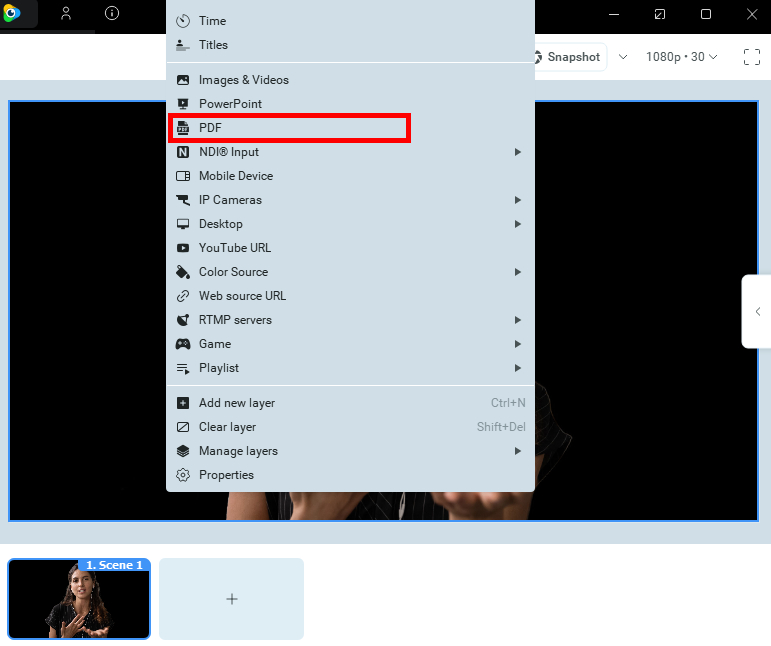
To get started, select PDF from the list of ManyCam video sources that appears upon right-clicking on the Main Live Window.
In the opened window, choose a PDF file stored on your computer and press Open.
Video tutorial
This video shows you step by step how to display a PowerPoint or PDF files within ManyCam for your presentation.